
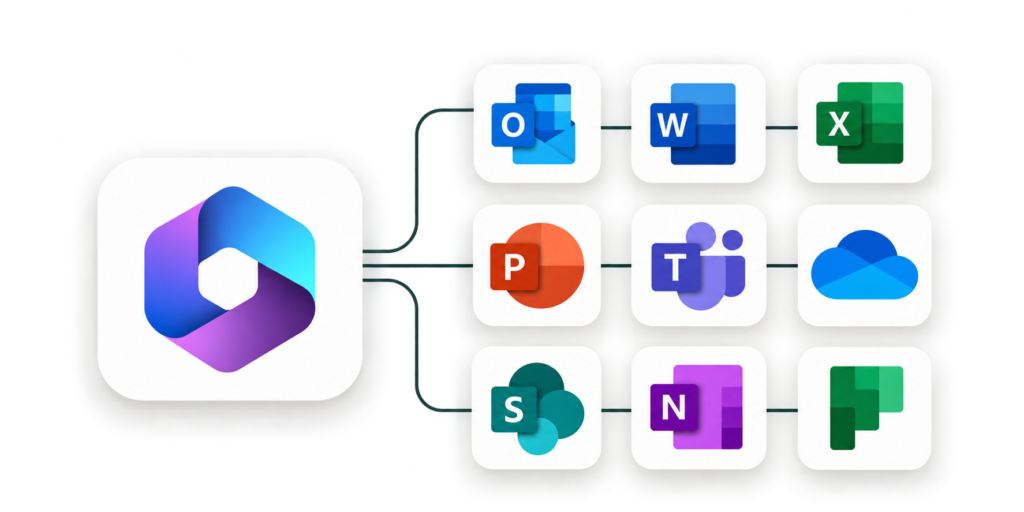
Microsoft 365 plays an important role in everyday business operations, from managing information and preparing reports to communicating with colleagues and clients. Yet many employees rely on only the basic features of these applications, missing opportunities to simplify tasks and save valuable time.
Our Microsoft 365 training for employees is designed to bridge that gap. We help professionals understand the tools available to them and develop practical skills that make routine work easier. Instead of focusing on software features in isolation, our training connects each lesson to the tasks employees handle every day.
Through customized Microsoft 365 training, your team can improve document accuracy, manage data more effectively, create professional presentations, and organize daily communication. Employees also learn useful techniques for reducing repetitive tasks, improving consistency, and collaborating more efficiently.
Whether you’re training a small department or developing skills across your organization, ThriveTechEd provides learning experiences that support your business goals and help employees become more confident technology users.
We provide live, practical, and customized Microsoft 365 training for teams.
- Our Microsoft 365 Training Courses
Our Microsoft 365 Training Courses
Microsoft Word Training
Create professional documents with greater accuracy and less effort. Our Microsoft Word training helps employees improve document formatting, organize information clearly, and use Word's built-in tools to produce consistent business documents. Participants learn how to work with styles, templates, page layouts, tables, headers, and footers. Training also covers document review features, including comments and Track Changes, to support editing and collaboration. Whether your team prepares reports, proposals, letters, or internal documentation, our Microsoft Word courses help employees create polished documents while reducing time spent on manual formatting.
Microsoft Excel Training
Develop stronger data management and reporting skills with our practical Microsoft Excel training. We help employees work confidently with spreadsheets, perform calculations, analyze information, and present data in a meaningful way. Our training covers essential formulas and functions, sorting and filtering, data validation, charts, PivotTables, and reporting techniques. For employees with more experience, sessions can also explore advanced Excel features relevant to their responsibilities. From financial reports and budgets to operational tracking and performance analysis, our Excel training for professionals helps teams improve accuracy, organize information, and make better use of business data.
Microsoft PowerPoint Training
Communicate ideas clearly and confidently with our Microsoft PowerPoint training. We help professionals create well-structured, visually consistent presentations that keep audiences focused on the message. Employees learn to develop effective slide layouts, organize content, use presentation templates, and incorporate charts, diagrams, and visuals. Training also covers Slide Master, formatting techniques, and practical ways to improve presentation quality. Our PowerPoint training for employees is particularly valuable for teams that prepare client presentations, business proposals, internal reports, and management updates.
Microsoft Outlook Training
Stay organized and manage workplace communication more efficiently with our Microsoft Outlook training. We teach employees practical ways to handle emails, manage calendars, schedule meetings, and keep track of important information. Training covers inbox organization, folders, categories, email rules, search functions, appointments, and meeting invitations. Participants also learn useful techniques for managing daily communication and reducing time spent on repetitive email tasks. Our Outlook training for professionals helps employees establish better organizational habits, manage their schedules, and stay focused throughout the workday.
Microsoft Visio Training
Make complex information easier to understand with our Microsoft Visio training. Designed for professionals who work with business processes and organizational structures, this course helps employees create clear diagrams and visual documentation. Participants learn how to build flowcharts, organizational charts, and cross-functional process diagrams using shapes, connectors, and layout tools. Training also focuses on presenting workflows in a clear and consistent format. Our Visio training courses are especially useful for operations teams, project managers, business analysts, and HR professionals who need to document procedures, explain processes, and communicate information visually.
- Client success with Microsoft 365 and Office
Professionals trained worldwide
ThriveTechEd has trained more than 5,000 professionals worldwide, supporting individuals, corporate teams and organizations that need practical digital skills. Our programs connect Microsoft 365 and Office tools to real workplace tasks, helping learners gain confidence quickly and apply new skills the same day they leave the session. Skills stay practical, relevant and immediate.
Customized
Every program is shaped around your team’s roles, tools and daily tasks. Before the first live session, we learn how your people actually work, then build examples and exercises from real, everyday documents, so learners practice exactly what they need on the job. The result is practical training that feels relevant to every learner.
Client rating
Our clients rate their training experience, and that feedback shapes every program we deliver. We use the results to keep sessions clear, practical and truly relevant, so each new group benefits from what previous learners told us. Strong ratings reflect our focus on real workplace tasks, hands-on practice and skills people use right away.
Client results
Explore our success stories to see how we have helped businesses like yours overcome challenges and achieve tangible results.